Which adapter does your car need?
Start from the car, not the brand. Two steps, and one warning about why every compatibility list in this category rots.

How this page is funded: the buy links below are affiliate links, and Renter Volt earns a commission on qualifying purchases at no cost to you. Nothing here was supplied by a manufacturer, and commission plays no part in the ranking — read the full disclosure. Picks are chosen from published specifications rather than hands-on testing; the method is written down so you can check it. Prices last verified October 27, 2026.
Do not look your car up in a list. Look at the inlet. The inlet on the car in your parking space is the ground truth, and it is the only source that cannot be out of date. Every make-and-model compatibility table in this category — including any we could write — starts rotting the day it is published, because manufacturers change connector for new model years mid-transition.
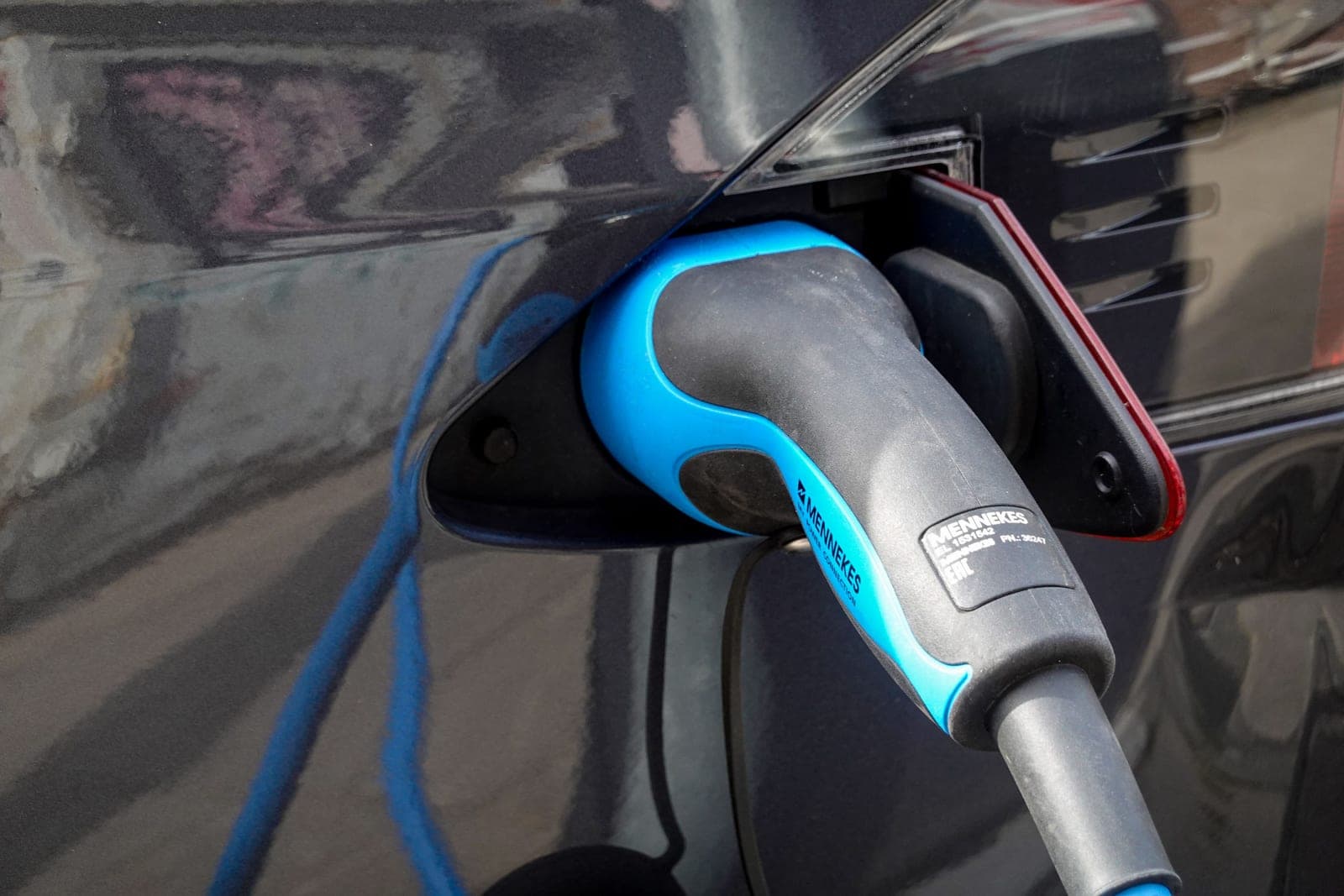
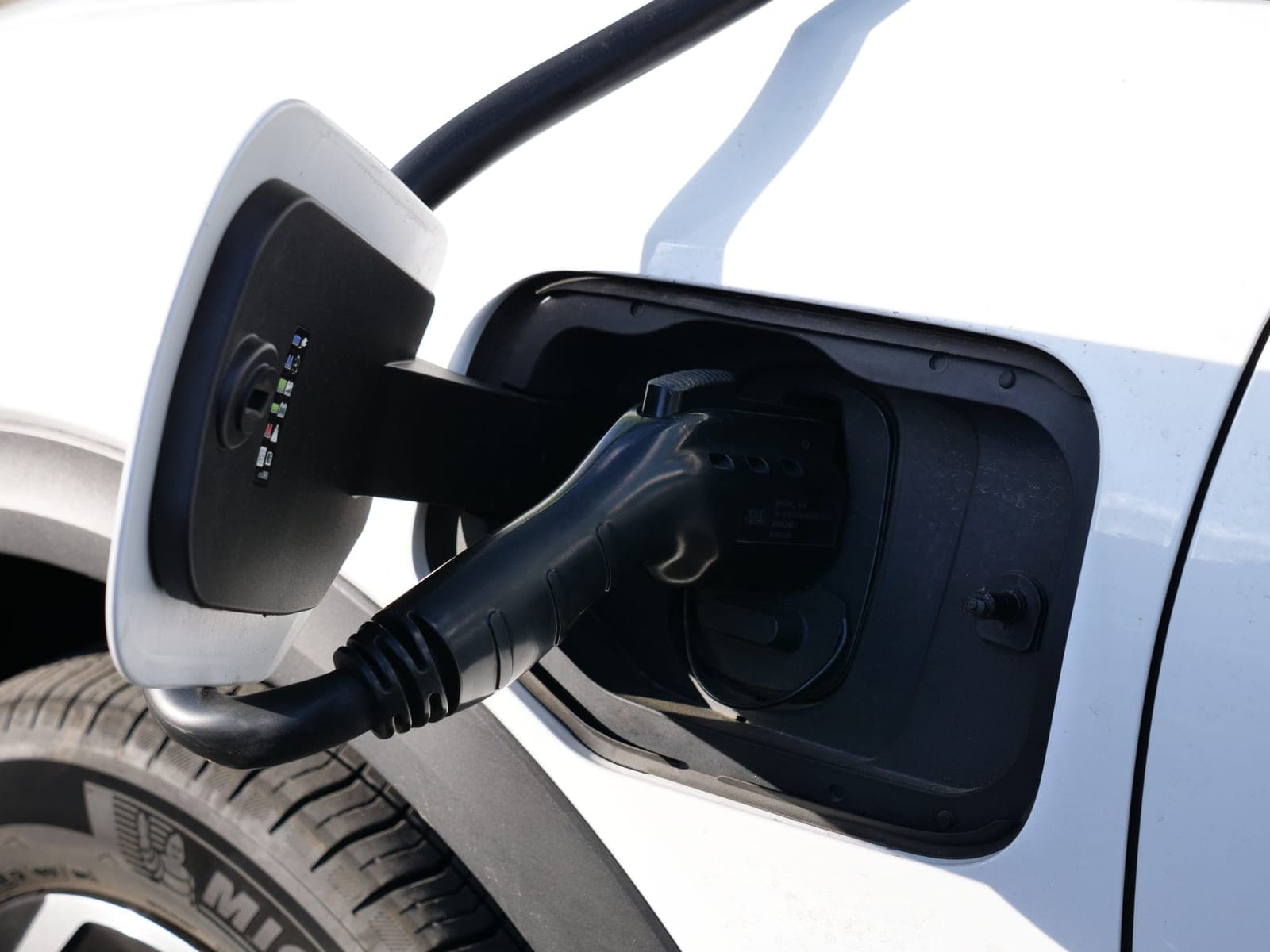
Step 1: identify the inlet on your car
| J1772 | NACS | |
|---|---|---|
| Size | Larger | Noticeably smaller |
| Outline | Round with a flattened top | Round, roughly symmetrical |
| Contacts visible | Five, in a distinctive arrangement | Five, tightly packed |
| Latch | A tab on top that clicks | No external latch tab; the lock is internal |
| Also used for DC | No — CCS adds two extra pins below | Yes — the same shape carries DC |
If your car has a CCS inlet — J1772 with two large round pins underneath — the upper section is a standard J1772 and works with everything on this page. The lower two pins are DC only and are not what any AC adapter touches.
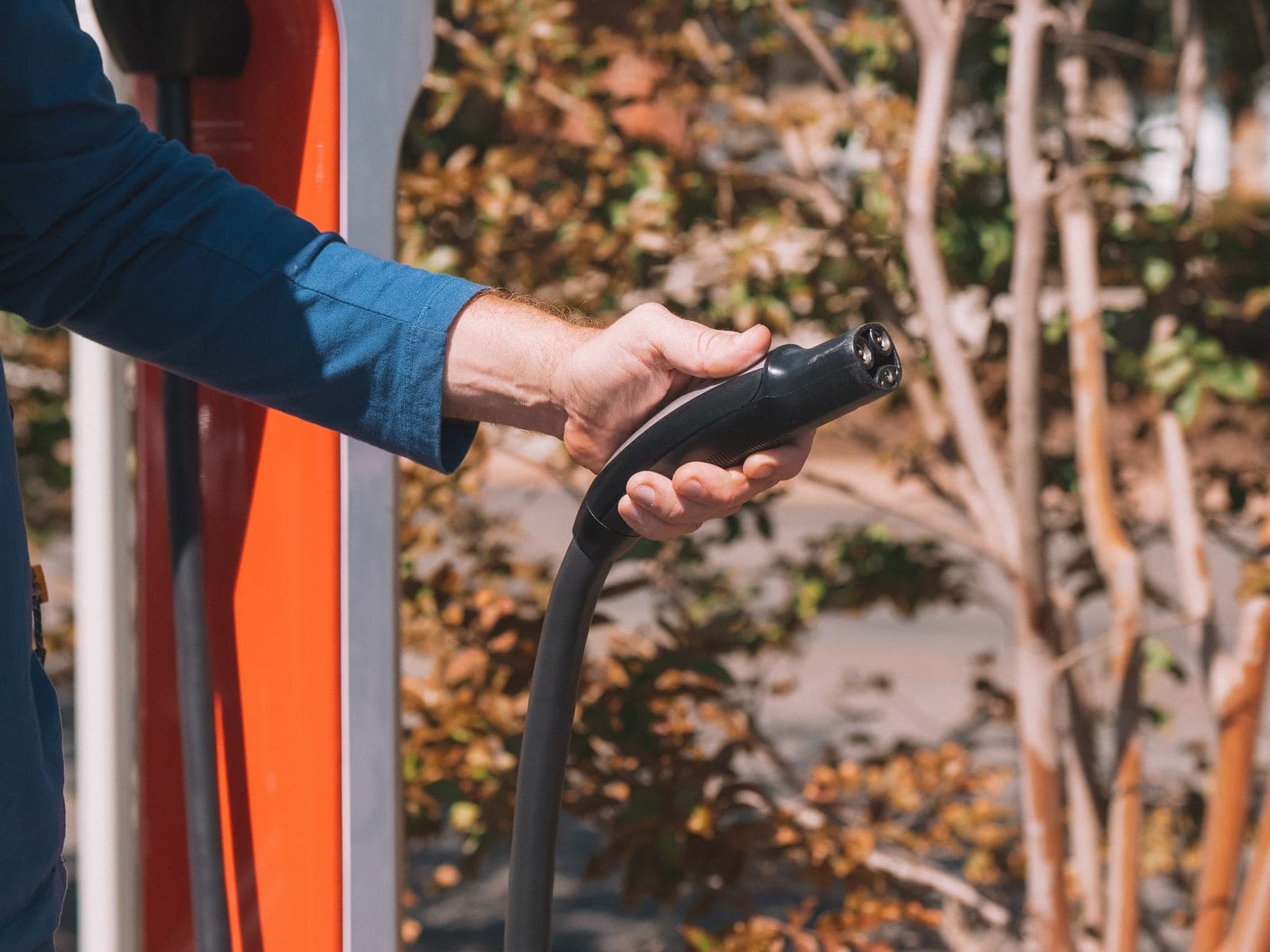
Step 2: identify the cable you want to use
Same shapes, on a plug instead of a socket. Then apply the rule: if they match, buy nothing; if they do not, buy the adapter whose second name is your car's shape. The direction guide is the long version.
Quick picks
Ranked, with the reasoning underneath. Tap any row to jump to that write-up; tap the price to check it on Amazon. Prices come from the live layer, never from this page.
| # | Product | Best for | Type | Price |
|---|---|---|---|---|
| 1 | 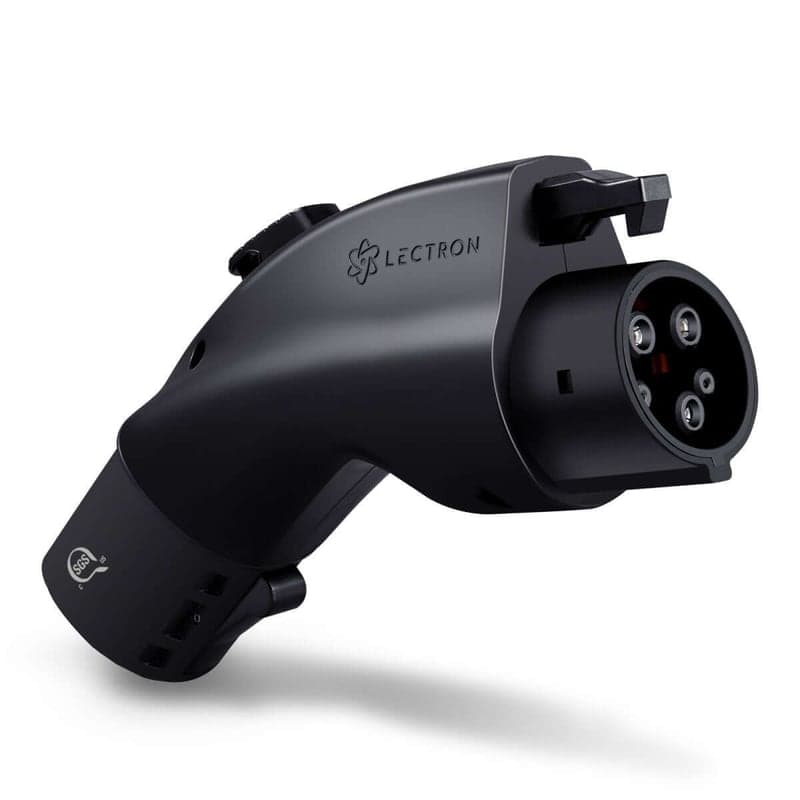 Lectron Tesla (NACS) to J1772 Adapter, 48AThe adapter a J1772 car needs to use a Tesla wall, destination or mobile connector — which is the direction many apartment buildings have already installed. Lectron Tesla (NACS) to J1772 Adapter, 48AThe adapter a J1772 car needs to use a Tesla wall, destination or mobile connector — which is the direction many apartment buildings have already installed. | A J1772 car at a Tesla cable | AC charging adapter | Check price#ad |
| 2 | 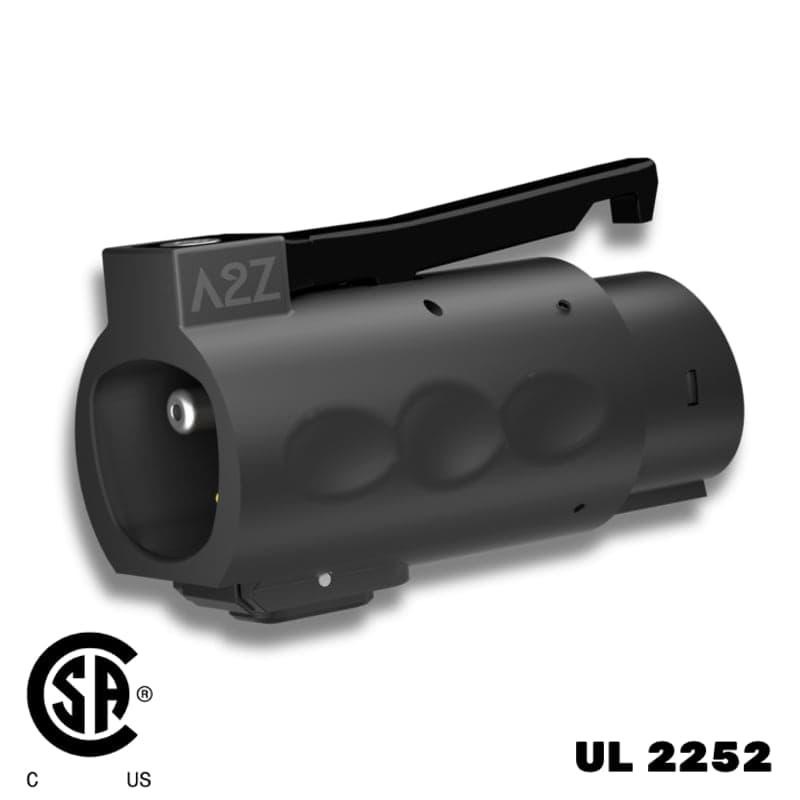 A2Z EV Stellar NACS to J1772 Adapter, 80AThe same direction as the Lectron with a higher rating, an IP67 body and a published temperature range — the one to buy if it lives outdoors. A2Z EV Stellar NACS to J1772 Adapter, 80AThe same direction as the Lectron with a higher rating, an IP67 body and a published temperature range — the one to buy if it lives outdoors. | Outdoor, year-round use | AC charging adapter | Check price#ad |
| 3 | 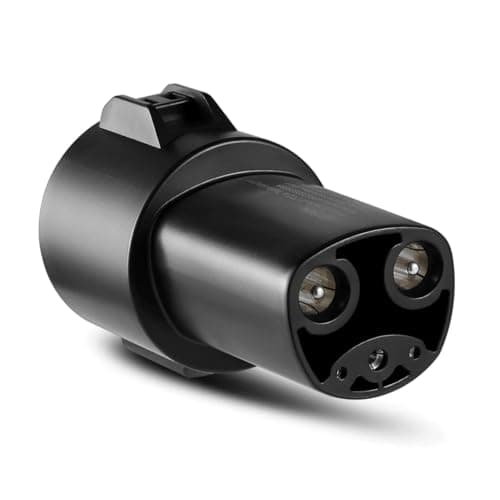 Lectron J1772 to Tesla (NACS) AdapterThe opposite direction, and the one Tesla drivers actually need: it lets a NACS car take the J1772 cable that most workplaces and older buildings already have. Lectron J1772 to Tesla (NACS) AdapterThe opposite direction, and the one Tesla drivers actually need: it lets a NACS car take the J1772 cable that most workplaces and older buildings already have. | A Tesla at a J1772 station | AC charging adapter | |
| 4 | 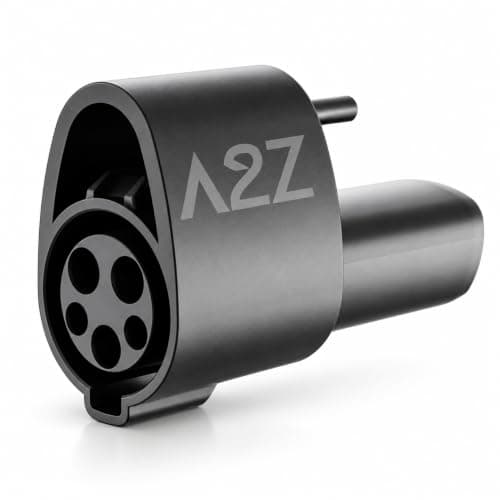 A2Z EV J1772 to NACS Adapter, 80ASame direction as the Lectron, with an integrated locking pin — the answer if your charging happens somewhere other people walk past. A2Z EV J1772 to NACS Adapter, 80ASame direction as the Lectron, with an integrated locking pin — the answer if your charging happens somewhere other people walk past. | Cables that get knocked | AC charging adapter |
#1 · A J1772 car at a Tesla cable
Lectron Tesla (NACS) to J1772 Adapter, 48A
The adapter a J1772 car needs to use a Tesla wall, destination or mobile connector — which is the direction many apartment buildings have already installed.
| Rating | Up to 48A / 240V (11.5 kW)source |
|---|---|
| Direction | Tesla (NACS) charging source into a J1772 vehicle portsource |
| Compatibility | Tesla High Powered Wall Connectors, all generations of Destination Charger, and Mobile Connectorssource |
| Charging type | AC Level 1 and Level 2 only — not compatible with Superchargerssource |
| Certification | SGS certified to UL 2251source |
What those numbers mean
Get the direction right before the brand. This adapter goes on a Tesla-shaped plug so a J1772 car can take it. If you drive a Tesla and the building's charger is J1772, you need the opposite adapter and this one will not physically fit.
The 48 amp rating is the adapter's ceiling. It does not raise anything: the slowest link in the chain — station, adapter, cable, car — sets the speed.
AC only, and that is a property of the adapter rather than a limitation to work around. Superchargers are DC and use an entirely different UL standard.
What it does well
- Rated to 48A, above what any Tesla AC source will deliver, so the adapter is never the bottleneck
- Certified to UL 2251, the standard written for charging couplers
- Turns a building's existing Tesla destination chargers into infrastructure your J1772 car can use
What it does not
- AC only, so it does nothing at a Supercharger
- Small enough to walk off from a shared parking structure
Skip this one if: You drive a Tesla. This is the wrong direction — you want a J1772-to-NACS adapter instead, and buying this one is the most common mistake in the category.
#ad · how this is funded · price as of October 27, 2026
#2 · Outdoor, year-round use
A2Z EV Stellar NACS to J1772 Adapter, 80A
The same direction as the Lectron with a higher rating, an IP67 body and a published temperature range — the one to buy if it lives outdoors.
| Rated current | 80Asource |
|---|---|
| Rated voltage | 240V ACsource |
| Direction | NACS charger connector into a J1772 vehicle portsource |
| Charging type | AC only — not compatible with DC chargerssource |
| Certification | UL 2252 / CSA-C22.2 certified, certification number 80265273source |
| Ingress rating | IP67; IP54 when matedsource |
| Operating temperature | -30°C to 50°Csource |
What those numbers mean
A published operating temperature range is rarer in this category than it should be, and it is the figure that matters if your car lives in an uncovered lot through a real winter.
IP67 is the unmated rating — the adapter sitting in a puddle. IP54 mated is the number that applies while it is actually plugged in, and it is the more useful of the two.
The 80A rating is far above anything a residential AC circuit delivers — a plug-in charger tops out at 40A. Treat it as headroom, not as speed.
What it does well
- Published -30°C to 50°C operating range
- IP67 sealed body, IP54 while mated
- UL 2252 and CSA certified, with the certificate number published
What it does not
- Costs more than the adequate-for-most 48A alternatives
- The 80A headline is irrelevant on any residential AC circuit
Skip this one if: The adapter will live in a glovebox and get used indoors in a mild climate. You are paying for sealing and a temperature range that will never be tested.
#ad · how this is funded · price as of October 27, 2026
#3 · A Tesla at a J1772 station
Lectron J1772 to Tesla (NACS) Adapter
The opposite direction, and the one Tesla drivers actually need: it lets a NACS car take the J1772 cable that most workplaces and older buildings already have.
| Maximum current | Up to 80A at 240V ACsource |
|---|---|
| Direction | SAE J1772 charging station into a Tesla (NACS / J3400) vehicle portsource |
| Compatibility | Any Level 1 or Level 2 charger with a J1772 connector; Tesla Model S, 3, X and Y plus other NACS (J3400) vehiclessource |
| Ingress rating | IP67-rated for water and dustsource |
| Operating temperature | -22°F to 122°Fsource |
| Certification | UL 2251 and TUV certifiedsource |
What those numbers mean
Most public and workplace AC charging in the US is still J1772, and most Teslas ship without an adapter for it. This is the part that fills that gap, and it lives in the frunk.
IP67 is the strongest ingress rating of any adapter here — dust tight and rated for temporary immersion rather than just spray. That is the specification to want for something left connected outdoors overnight, though it is still worth keeping the coupling out of standing water.
80A is roughly double what any Level 2 AC station will hand you, so the adapter is never the limiting factor in the chain. Treat the rating as headroom on a connection that carries current for hours, not as speed.
What it does well
- The direction Tesla drivers actually need for apartment and workplace J1772 cables
- IP67 rating and a published -22°F to 122°F operating range
- UL 2251 and TUV certified
What it does not
- AC only — it does nothing at a CCS DC fast charger
- Small and valuable, which is exactly the theft profile of a shared parking garage
Skip this one if: Your car has a J1772 port. This adapter is for NACS-port vehicles and will not fit yours in either orientation.
#ad · how this is funded · price as of October 27, 2026
#4 · Cables that get knocked
A2Z EV J1772 to NACS Adapter, 80A
Same direction as the Lectron, with an integrated locking pin — the answer if your charging happens somewhere other people walk past.
| Rated current | 80A maximum at 240VACsource |
|---|---|
| Maximum power | 19.2 kWsource |
| Direction | SAE J1772 charger into a NACS vehicle portsource |
| Charging type | AC only (Level 1 and Level 2)source |
| Certification | UL 2252 / CSA-C22.2 certified, certificate number 80259177source |
| Ingress rating | IP54, Type 3R enclosuresource |
| Operating temperature | -22°F to 122°F (-30°C to 50°C)source |
| Retention | Integrated locking pin prevents accidental disconnectionsource |
What those numbers mean
The locking pin is the differentiator and it addresses a real failure: an adapter that separates when someone brushes the cable ends the charging session, and you find out in the morning.
Type 3R is an enclosure classification for outdoor use against falling rain. Together with IP54 it describes an adapter meant to stay connected outside, not one meant to be sheltered.
19.2 kW is the theoretical AC ceiling of the standard, not a speed you will see. No residential circuit a renter can reach produces it.
What it does well
- Integrated locking pin against accidental disconnection
- UL 2252 and CSA certified with the certificate number published
- Type 3R and IP54 rated, with a stated temperature range
What it does not
- More expensive than adapters that do the same electrical job
- The locking pin is one more thing to operate in the cold with gloves on
Skip this one if: You charge in a private, sheltered spot nobody walks past. The retention feature you are paying for solves a problem you do not have.
#ad · how this is funded · price as of October 27, 2026
The situations that actually come up
| You have | Your building has | Buy |
|---|---|---|
| A J1772 car | Tesla destination chargers | NACS to J1772 — see Tesla to J1772 |
| A Tesla or NACS car | J1772 pedestals | J1772 to NACS — see best NACS adapters |
| A J1772 car | Nothing installed, but a 240V outlet | No adapter — a J1772 portable charger |
| A Tesla or NACS car | Nothing installed, but a 240V outlet | No adapter — a NACS portable charger |
| Two cars, different inlets | Anything | One adapter of each direction |
The two-adapter household
If your household has one NACS car and one J1772 car, buy both adapters and stop thinking about it. They are the cheapest components in the system, and the alternative — a second charger, or coordinating which car uses which cable — costs far more in money or in daily friction.
Adapters that are not on this page
NACS-to-CCS and CCS-to-NACS adapters exist and are DC fast-charging products. Different certification, different ratings, different prices, different problem. They will not help at home and nothing on this page will help at a Supercharger — AC only, not DC covers the boundary.
Vehicle-to-load adapters, which turn the car into a power source, are also a separate category and nothing to do with charging it.
Questions people actually ask
How do I know which charging adapter my car needs?
Look at the inlet on the car rather than at a compatibility list. A NACS inlet is small and round; a J1772 inlet is larger with a flat top and a latch tab. Then match it against the cable you want to use.
Does my Ioniq 5, Mach-E or EV6 need a NACS adapter?
It depends on the model year, because manufacturers are switching connector mid-transition. Check the inlet on the actual car — any undated model list, ours included, will be wrong for some cars on the lot.
My car has a CCS inlet. Does that change anything?
No, for AC charging. The upper section of a CCS inlet is a standard J1772 and works with everything here. The two large pins below it are DC only.
Do I need adapters for both directions?
Only if your household has cars with different inlets. Then yes, buy both — they are inexpensive and each solves a different day.
Sources
Every figure on this page traces to one of these. If a number here disagrees with the manufacturer, the manufacturer is right and we want to know — tell us.
- SAE International — J1772 electric vehicle conductive charge coupler standard
- Tesla — North American Charging Standard (NACS) connector specification
- A2Z EV — NACS Charger to J1772 Vehicle adapter, UL 2252 certified (product page)
- A2Z EV — J1772 Charger to NACS Vehicle adapter, UL 2252 / CSA-C22.2 certified (product page)
Read next
Best Charging Adapter
NACS and J1772 adapters
The adapter section — direction first, brand second. Which adapter your car needs, why AC-only is not a limitation, and what to buy.
Top pick: A2Z EV Stellar NACS to J1772 Adapter, 80A
Guide
NACS to J1772 vs J1772 to NACS
The direction question answered up front: an adapter is named for the cable it plugs onto first and the car it presents to second.
Top pick: Lectron Tesla (NACS) to J1772 Adapter, 48A
Best NACS Adapter
Best NACS adapters
Both directions ranked together, because the wrong-direction purchase is the real risk. Certification numbers, IP ratings and temperature ranges compared.
Top pick: A2Z EV Stellar NACS to J1772 Adapter, 80A
Best Tesla-to-J1772
Best Tesla to J1772 adapters
NACS-to-J1772 adapters for J1772 cars using Tesla wall, destination and mobile connectors — ranked with cited ratings.
Top pick: Lectron Tesla (NACS) to J1772 Adapter, 48A
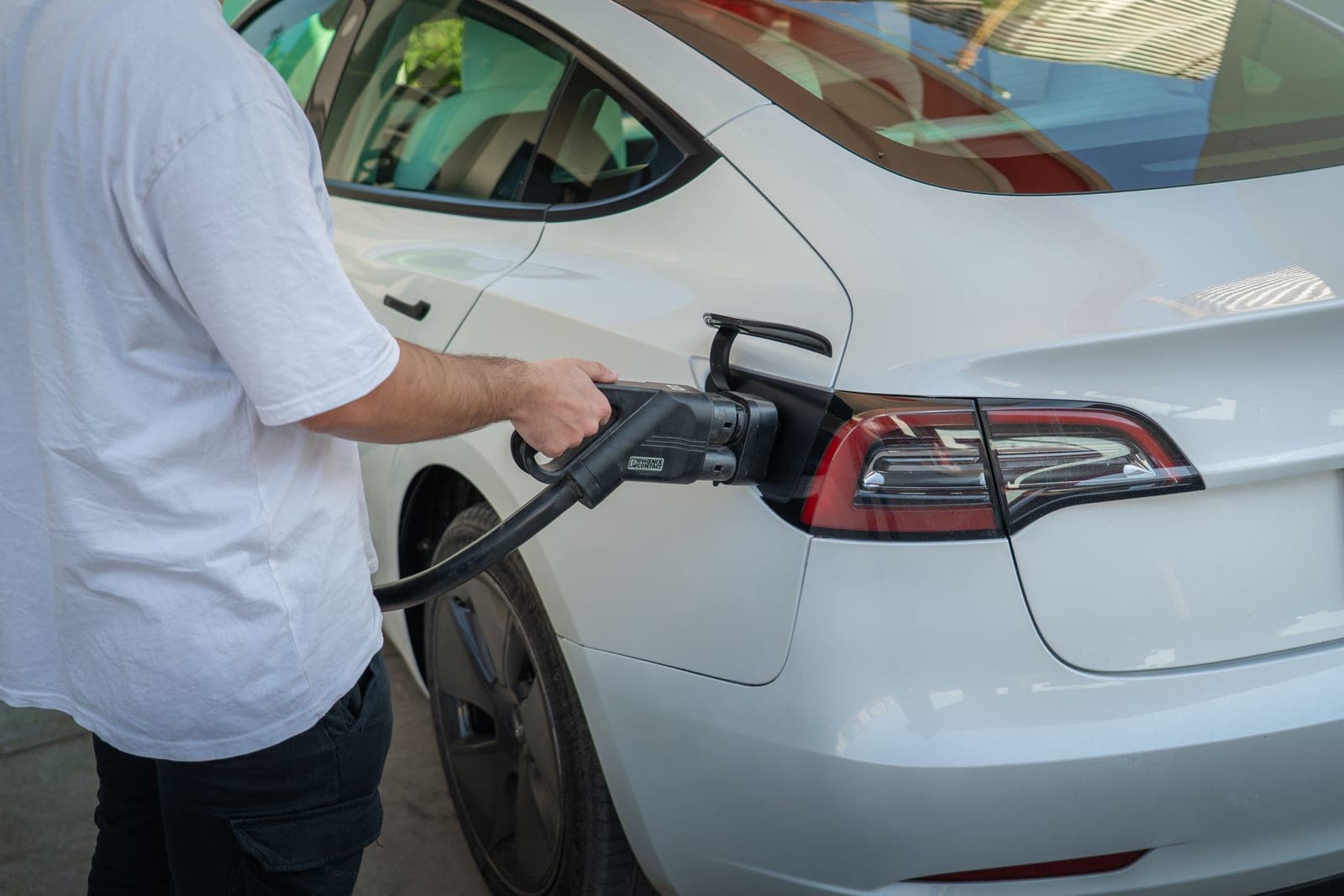
Best for Tesla & NACS
Best portable chargers for Tesla and NACS cars
NACS-connector portable chargers ranked, plus an honest comparison against the cheaper adapter route.
Top pick: Lectron Portable Level 2 Tesla (NACS) Charger (40A, NEMA 14-50)
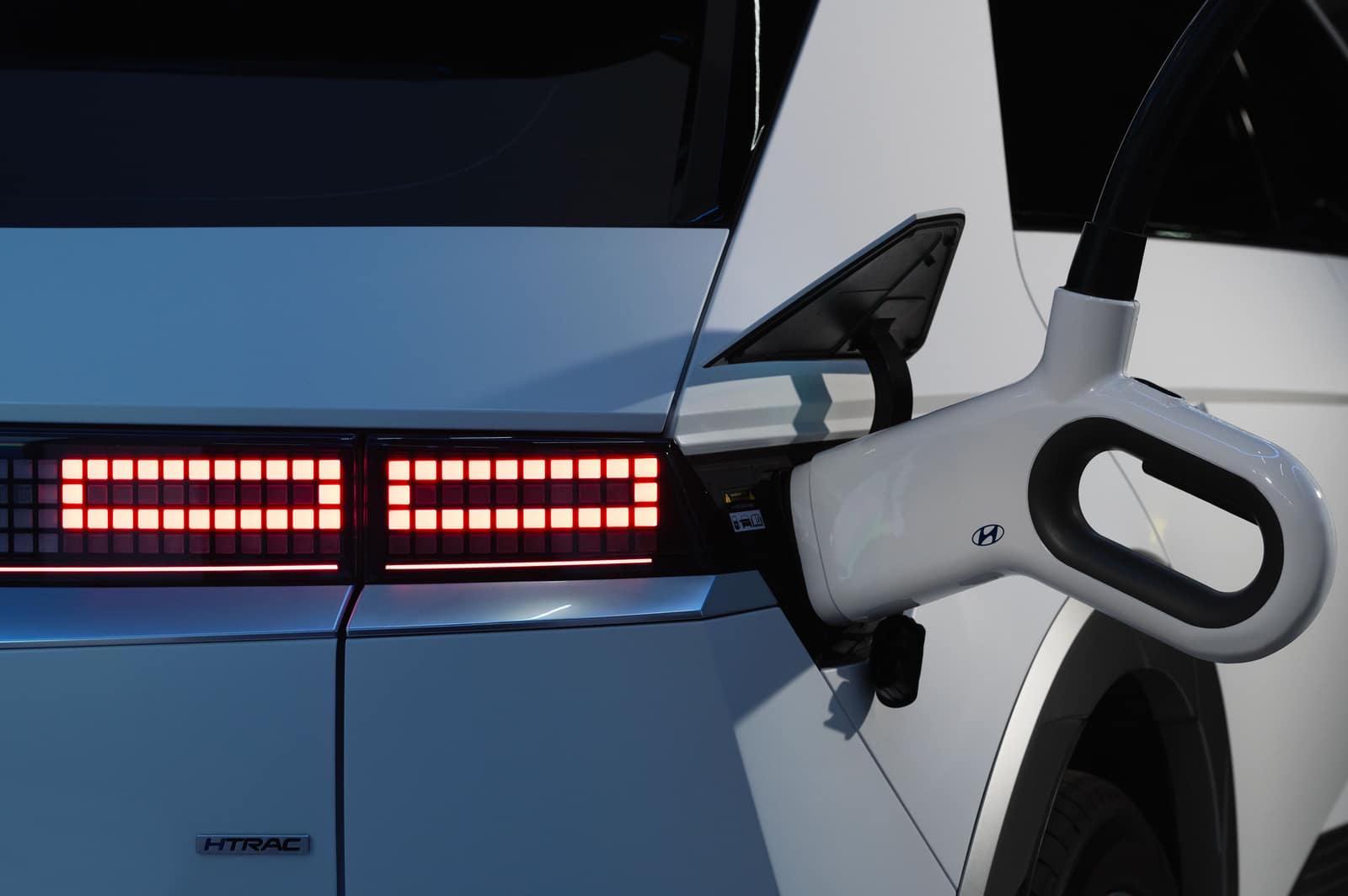
Best Ioniq 5 Setup
The best home charger for a Hyundai Ioniq 5
Ioniq 5 home charging without a garage: what the car actually accepts, which connector your model year has, and the gear that matches.
Top pick: Lectron Portable Level 2 Tesla (NACS) Charger (40A, NEMA 14-50)